

Specialized KitchenAid Appliance Repair in San Francisco
Mon–Sat: 8:00 AM – 7:00 PM
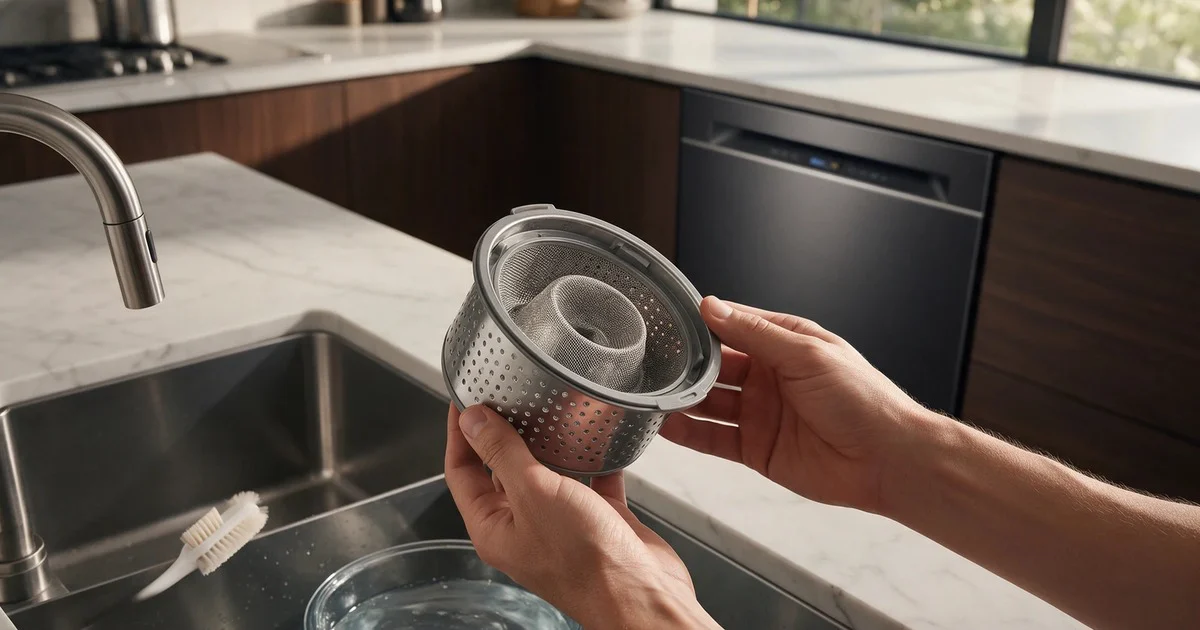
Filter care is useful only when the exact model provides a user-removable filter or strainer. The goal is to remove accessible debris without forcing assemblies or turning routine cleaning into internal pump disassembly.
KitchenAid can use different controls and diagnostic logic across model families. Use the complete model number from the rating label before applying a reset sequence, code definition, or parts recommendation.
Write down what the appliance completes successfully, where the behavior changes, and whether a display code or warning appears. A repeatable sequence is usually more useful for diagnosis than a guessed part name.
The pattern matters more than a single moment. Note whether the symptom is constant, intermittent, load-dependent, temperature-dependent, or tied to one stage of operation.
Filter care is useful only when the exact model provides a user-removable filter or strainer. The goal is to remove accessible debris without forcing assemblies or turning routine cleaning into internal pump disassembly.
Keep homeowner troubleshooting external and reversible. Do not turn a symptom guide into internal disassembly.
Stop normal use and address the safety condition if any of the following applies:
Do not bypass safety switches or interlocks, probe live electrical circuits, adjust gas pressure, open sealed refrigeration systems, or access microwave/induction high-voltage components as a homeowner check.
A technician can use the exact model, symptom timing, and any verified code to test the affected system instead of replacing the first part suggested by a generic symptom list.
KitchenAid can use different controls and diagnostic logic across model families. Use the complete model number from the rating label before applying a reset sequence, code definition, or parts recommendation.
If a related KitchenAid error-code page is available for the exact appliance and code, use it as a diagnostic reference. Do not create a model-to-code relationship merely because two pages use similar words.
No. The symptom points to a system or diagnostic branch. The exact model and testing are still needed before a component is selected.
Only when the exact model documentation allows a normal restart and no safety condition is present. Record any code first. If the same symptom returns, repeated resets are not a repair.
Send the complete model number, a short description of the symptom, when it happens, any displayed code or message, the safe checks already completed, and your San Francisco ZIP code.
Avoid repeated stress testing. A safe photo, video, timing note, or display record can preserve useful evidence without forcing the symptom to repeat.
If the symptom continues after the safe checks above, request KitchenAid appliance diagnosis in San Francisco. Include the complete model number, the exact symptom or display message, and your service ZIP code so coverage can be confirmed.
Share a few details and we’ll confirm an appointment. Prefer to talk? Call us and we’ll help right away.